A Frappe Sign Template defines a reusable field layout once, instead of placing the same fields by hand on every request for a recurring document type. Templates are listed under Signature Templates in the sidebar and are managed by Frappe Sign Managers.
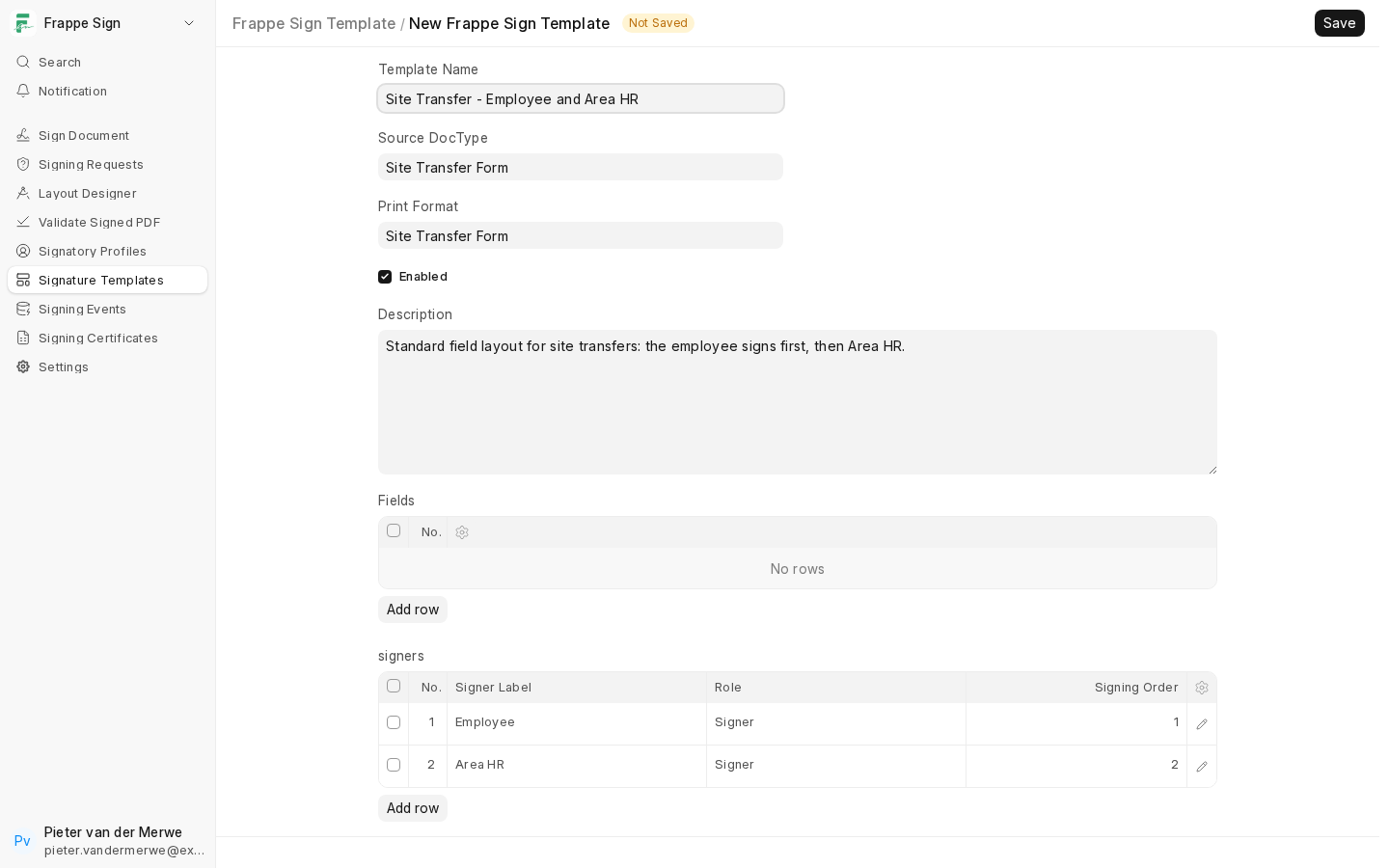
What a template contains
- Template Name, Source DocType, Print Format (only Print Formats of the Source DocType are offered; the configured default is filled in for you), Description and Enabled.
- Signers: placeholder signer labels such as "Employee" or "Area HR", each with a Role and Signing Order, rather than real Signer Profiles. Missing signing orders are filled in when you save.
- Fields: the field layout, placed with the same Designer used for requests.
Placing the template's fields
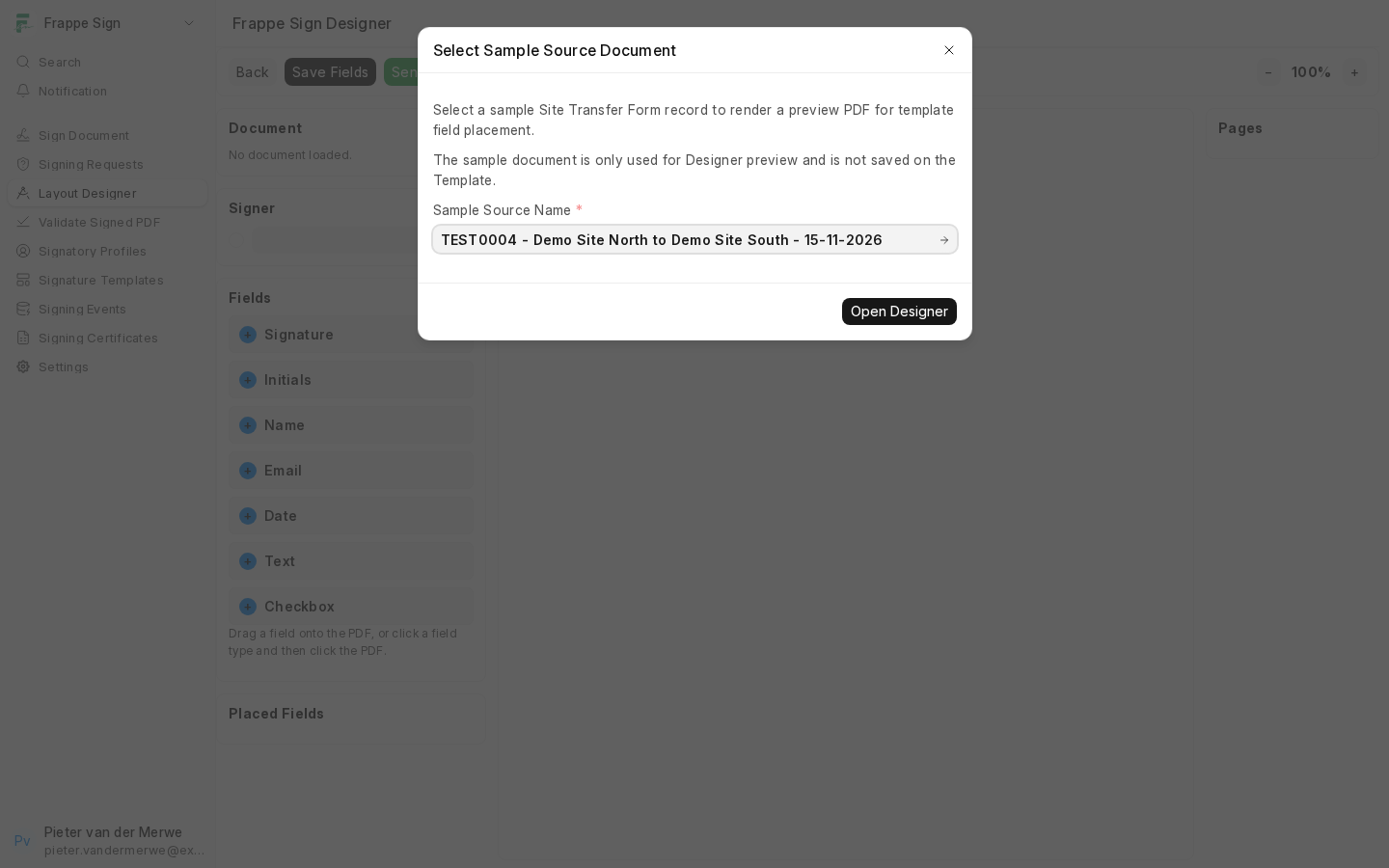
Save the template, then use Frappe Sign → Open Designer. Because a template has no document of its own, you are first asked to pick a sample source document to render. The sample is only used for the preview and is never saved on the template.
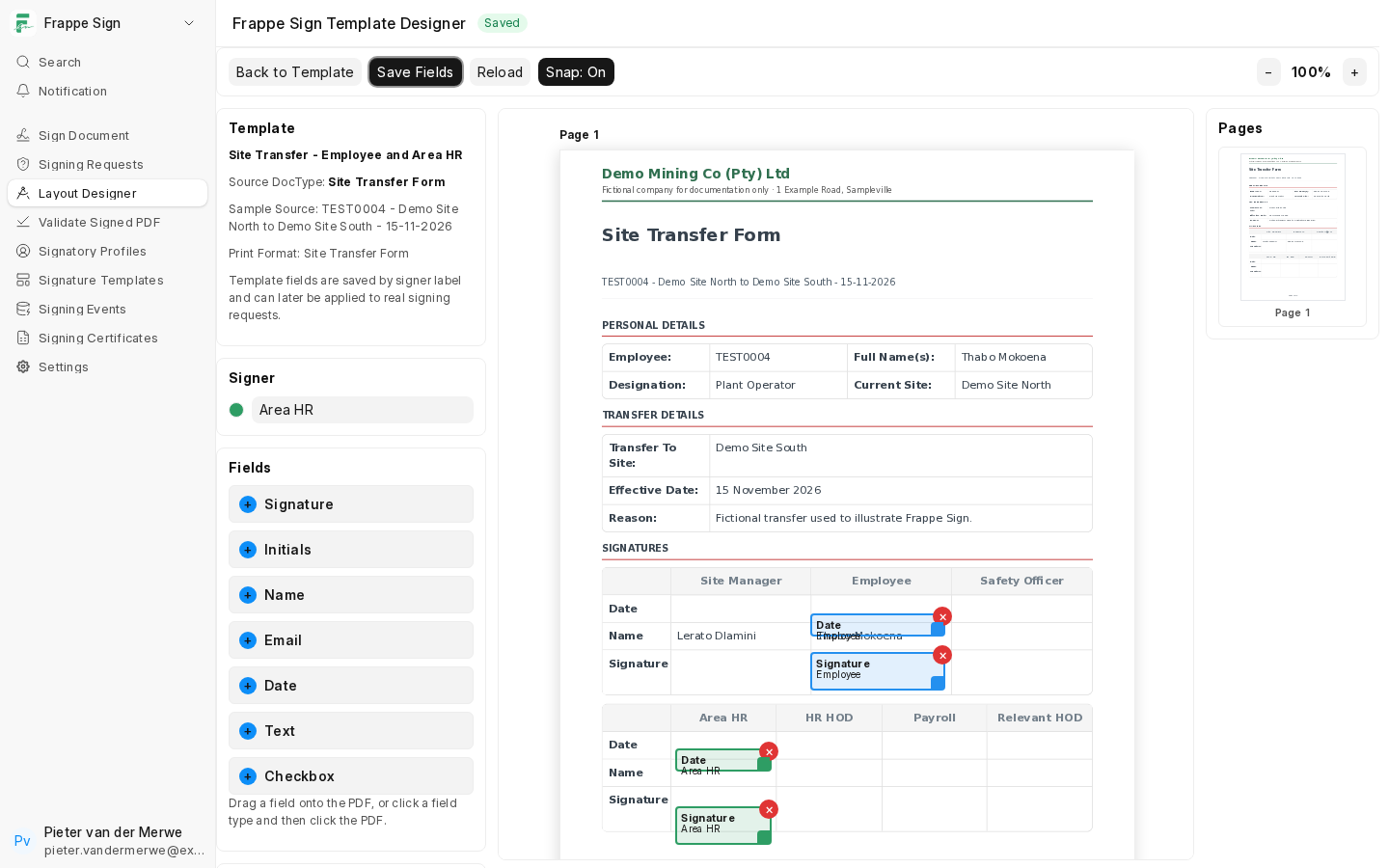
In template mode the Signer selector lists the placeholder labels, and there is no Send Request button. Place the fields as you would on a request (see The Signing Designer) and click Save Fields.
Using a template
On the configured source DocType, turn on Require Template and choose the Default Template (see Configured Source DocTypes). A new request built from that DocType then starts from the template's layout. The sender maps each placeholder label to a real Frappe Sign Profile before sending, instead of placing every field from scratch.
Templates rely on the signing area sitting in the same place on every document. If the Print Format can grow (variable tables, long text), check the field positions in the Designer before sending.