Completing a Request, Certificates & Verification
What happens on completion
When the last Signer completes their fields, Frappe Sign automatically:
- Sets the request's status to Completed and records Completed On.
- Stores the final Signed PDF and its hash.
- Generates an Audit Certificate (with its hash) listing the request, signers and every audit event.
- If Append Audit Certificate is on, appends it to the signed PDF to produce the final verification package (shown as Certificate Signed PDF).
- If Enable Certificate Based PDF Signing is on, cryptographically signs that final package.
- Creates Frappe Sign Certificate evidence records for the audit certificate and the final verification package.
- Emails a completion notification to the request's creator and every Signer, with the final package attached (or the signed PDF and audit certificate separately). Signing links are never included in this email.
- Submits the request itself.
- If configured for the source DocType, attaches the signed PDF to the source document and/or submits it. See Configured Source DocTypes.
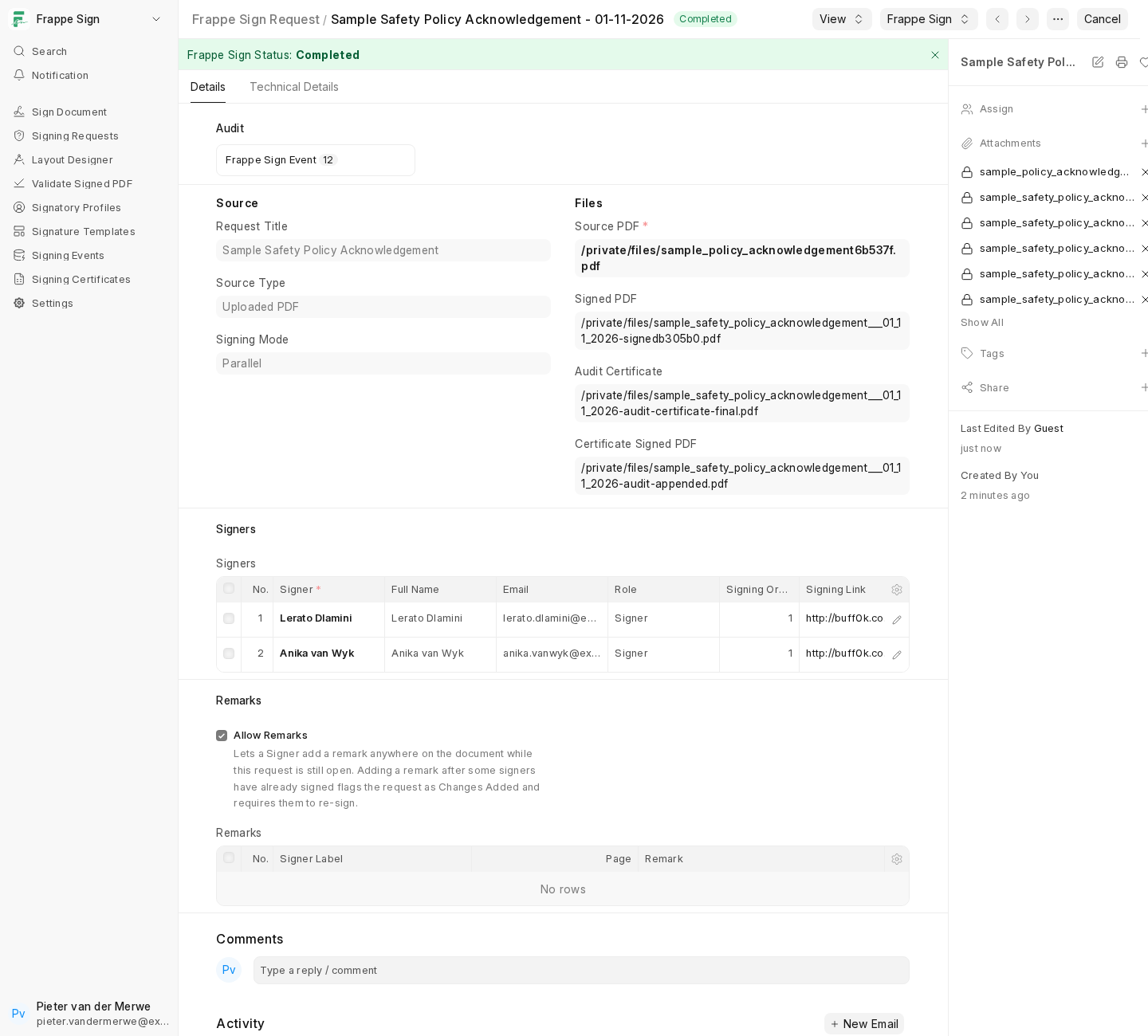
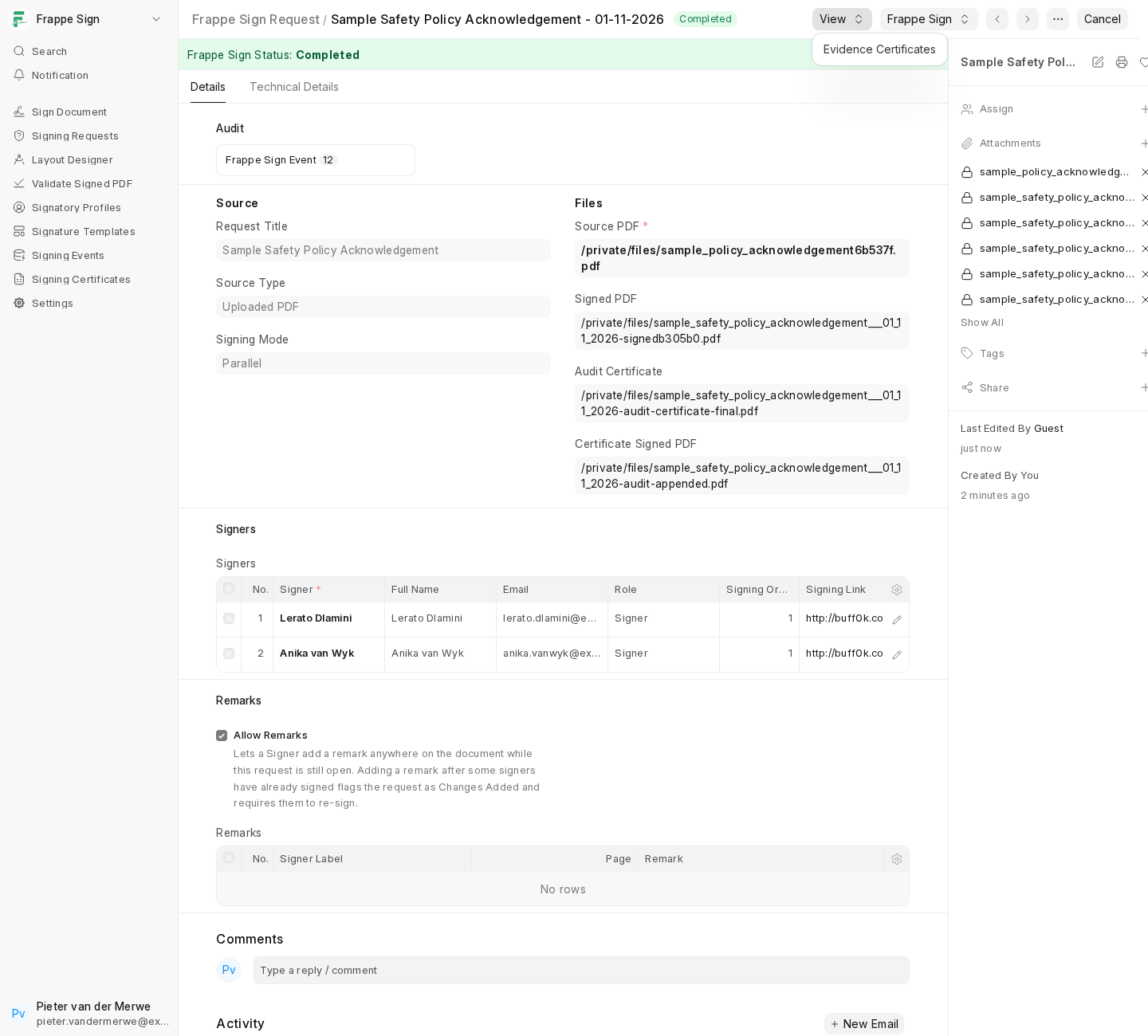
Once completed, the request and its files are locked. The Frappe Sign menu offers Verify Tamper Status, and the View menu opens the request's Evidence Certificates:
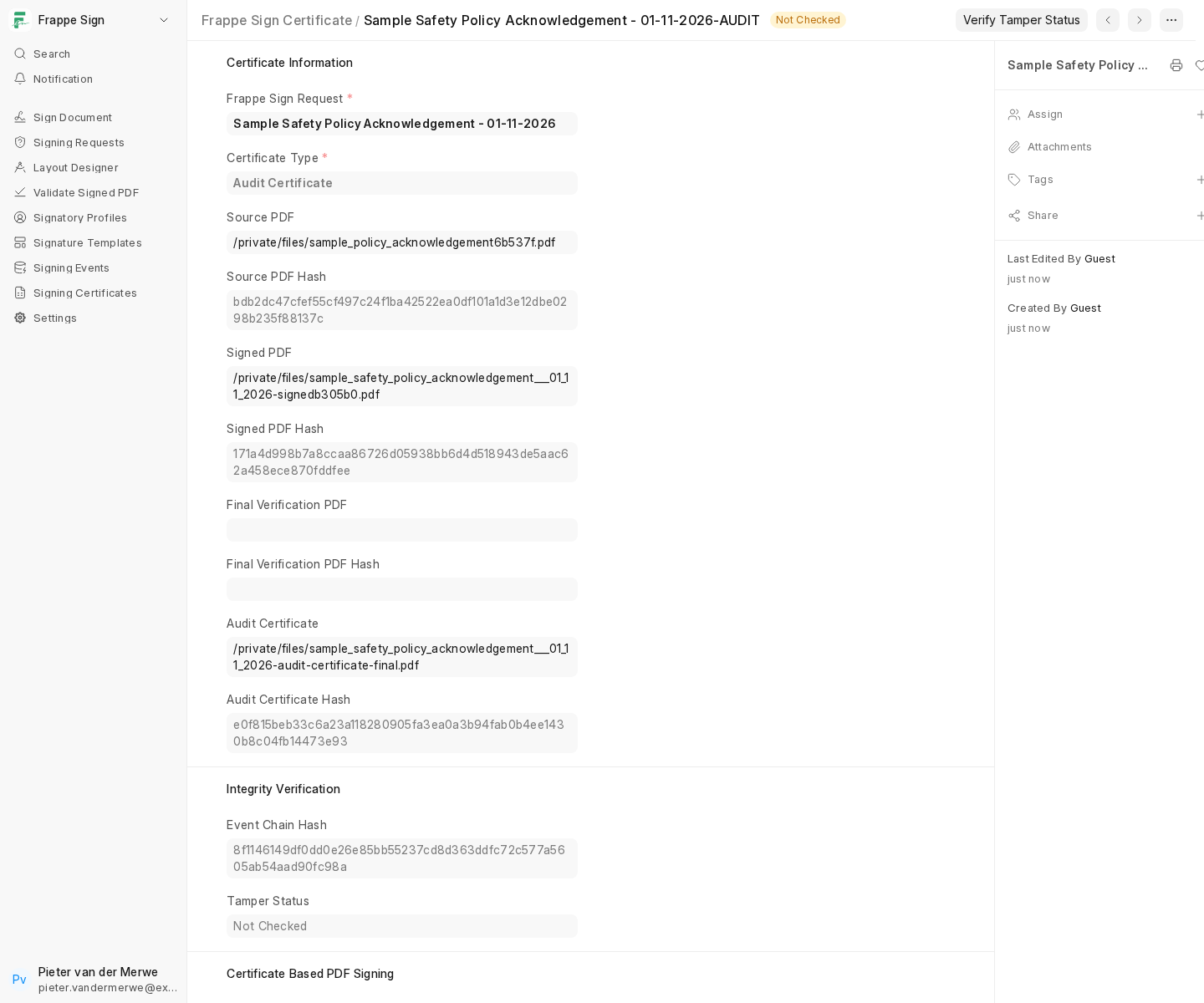
Frappe Sign Certificate
Each certificate record is an immutable evidence snapshot. It doesn't own any files itself; it holds the URLs and hashes of files owned by the request. There are two types, named after the request: …-AUDIT (Audit Certificate) and …-FINAL (Final Verification Package).
The audit trail
Every step is recorded as a Frappe Sign Event, linked in a hash chain so that a missing or altered event can be detected. Open Signing Events in the sidebar, or the event count on the request's Audit section:
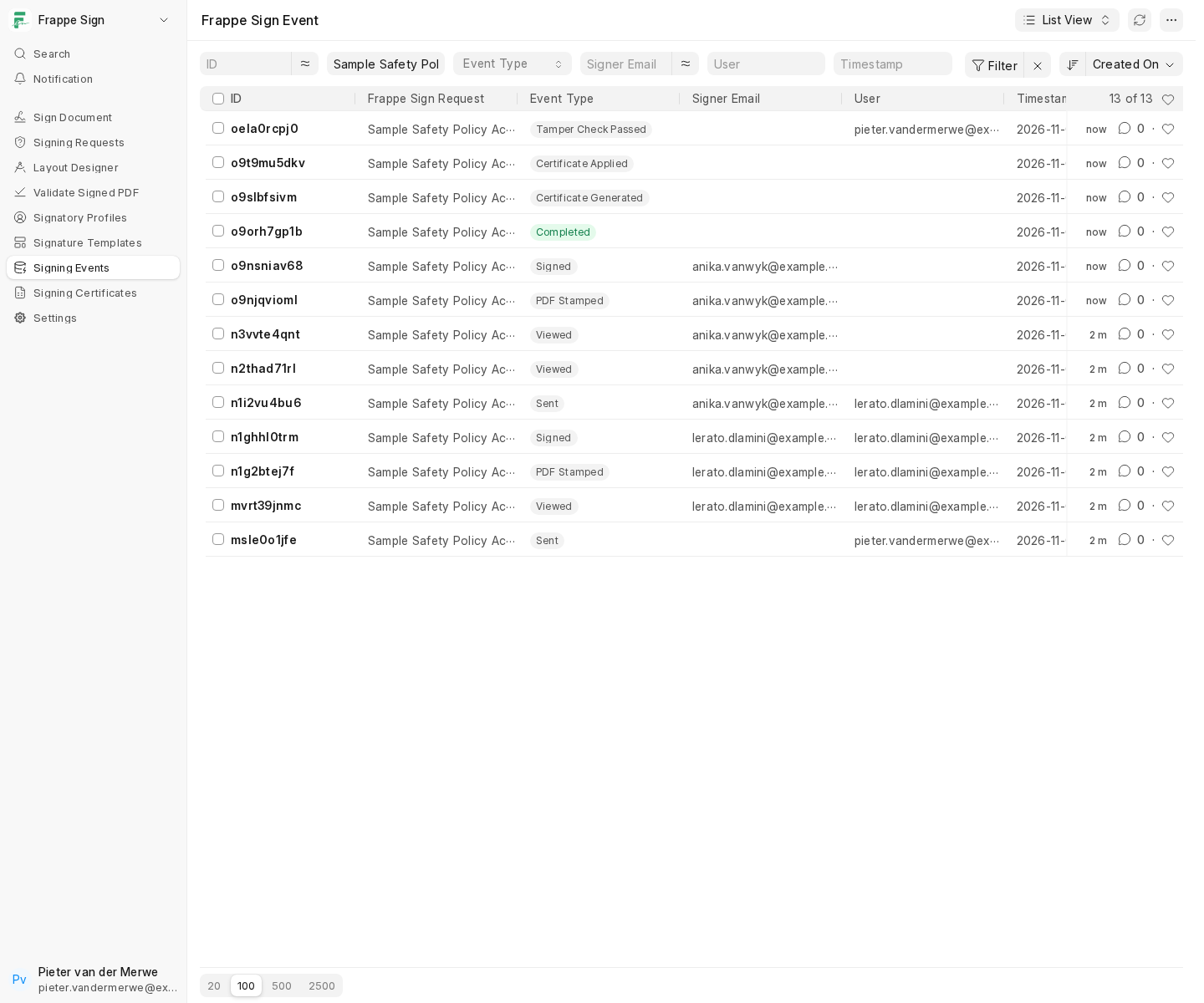
A full list of event types is on Statuses & Events.
Because everything is hash-based, anyone can confirm a signed PDF is genuine at any time. See Validating Documents.