Signers, Signing Modes & Cohorts
Signer roles
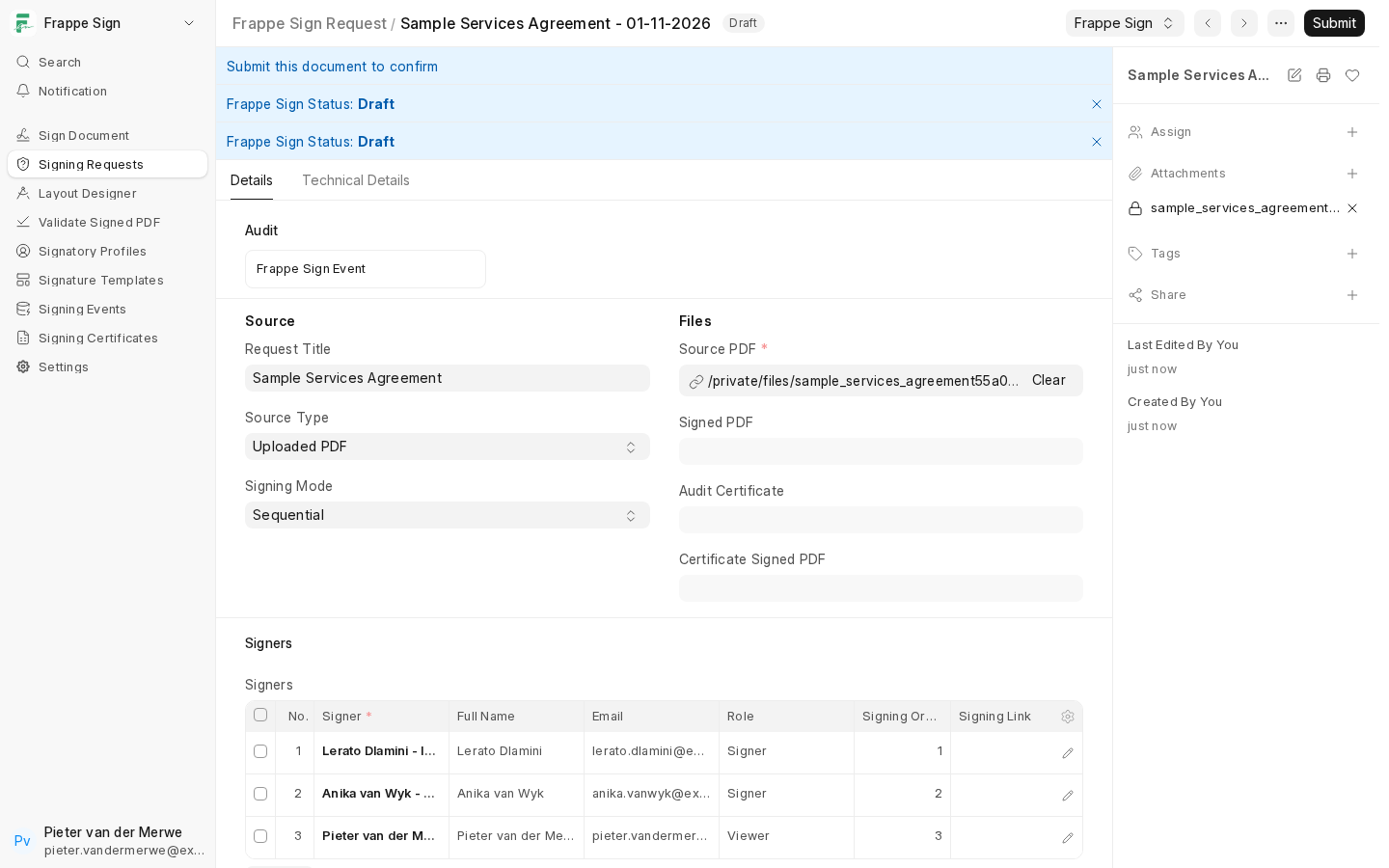
Each row in a request's Signers table links a Frappe Sign Profile and has a role:
- Signer: actually signs. Only Signer rows receive fields in the Designer, can add remarks, and receive the completion email.
- Viewer: listed on the request for visibility, but not asked to sign. Viewers are not emailed signing links.
- Approver: listed on the request for review or approval, without a signature field of their own.
Parallel vs. sequential
Signing Mode on the request controls the order in which signers can act:
- Parallel: every signer can sign at the same time. All rows are treated as order
1. - Sequential: signers sign in Signing Order. A later signer can't sign until everyone before them has finished. When you add a Signer row in sequential mode, the next order number is suggested for you.
In sequential mode only the current order is emailed when the request is sent. Each later signer gets their link by email as soon as the previous order is complete.
Cohorts
A sequential signing order doesn't have to be one signer per step. Give more than one row the same order number to form a cohort that signs in parallel before the next order is unlocked. For example, 1, 1, 2, 3 lets the two order-1 signers sign in either order, or at the same time. Only once both have finished does order 2 become eligible.
A signer who opens their link before their turn sees "This signing request is waiting for an earlier signer."
Next: place the fields these signers will fill in. See The Signing Designer.