Site Organogram
A Site Organogram is the real, site-specific org chart - actual Employees and Assets slotted into positions, at a real Branch and Location. It's always built from a Site Plan; there's no way to build one from scratch, since the plan is what defines which slots and reporting lines should exist in the first place.
Populating from a plan
Open the Organogram Designer, set the Site, Location, and the Site Plan to build from, then Populate from Plan:
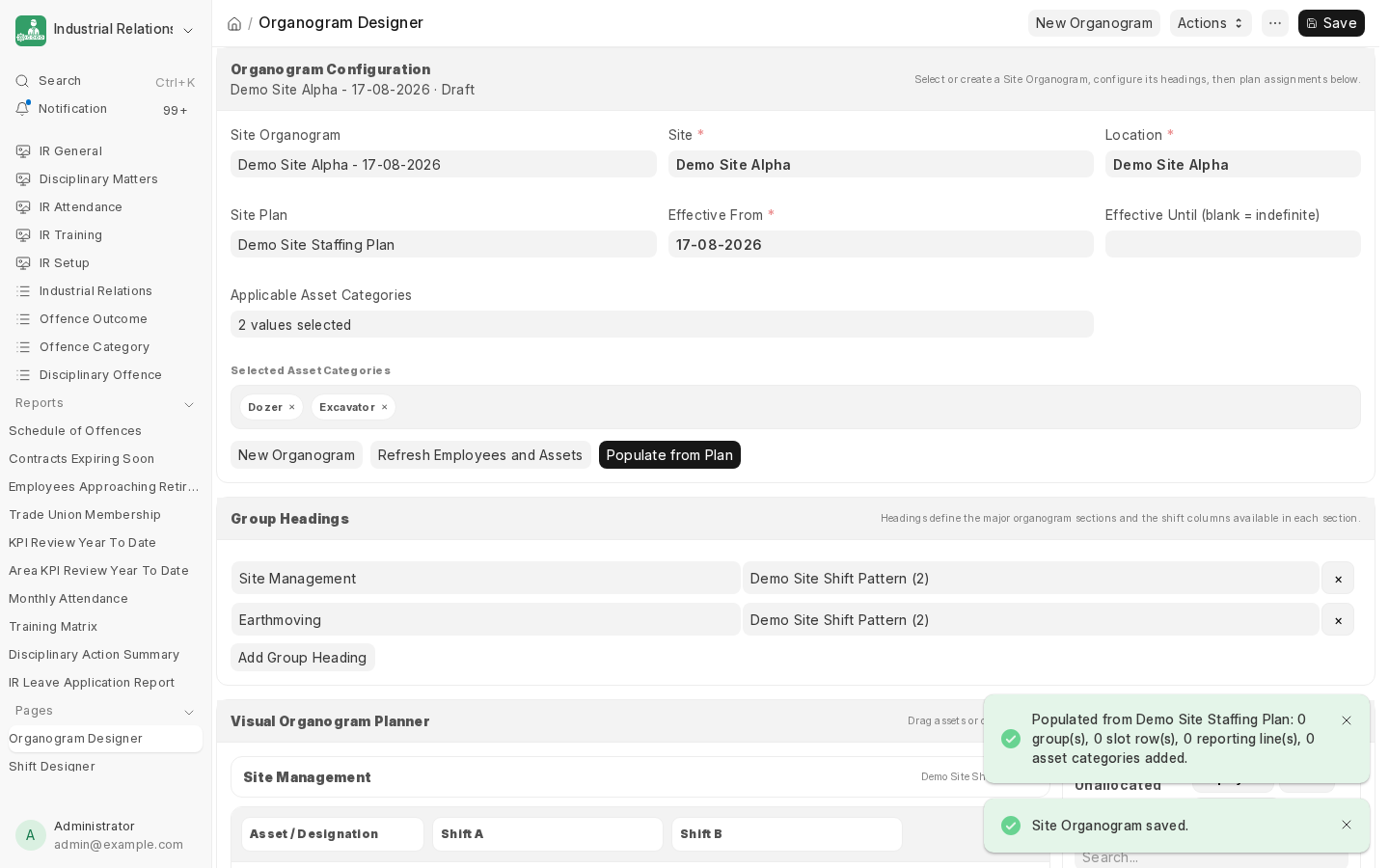
This carries across every group heading, every slot (as an empty row ready to be filled with a real Employee or Asset), every reporting line, and the plan's asset categories. Refresh Employees and Assets re-syncs against the plan later if it changes, without discarding who's already been assigned.
Filling it in
Drag real Employees and Assets from the Unallocated panel onto the empty slot rows the population step created. Reporting lines drawn on the Site Plan appear automatically as connector guides once both ends of a line have someone assigned - only for branches that actually have descendants, so there's nothing hanging where no line was actually drawn.
Next: Site Budget, to cost this structure.